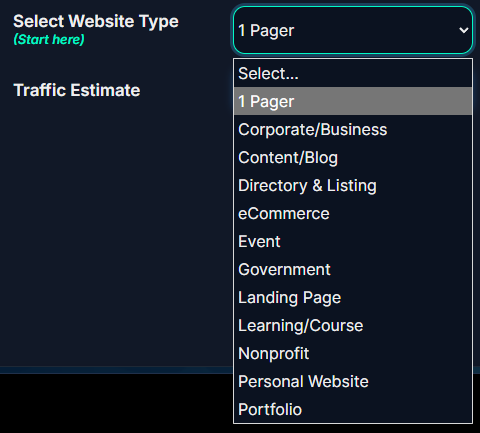
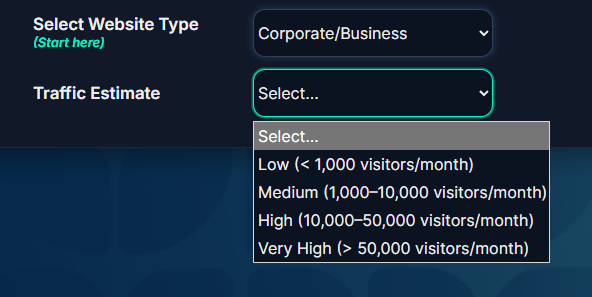
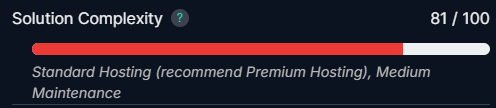
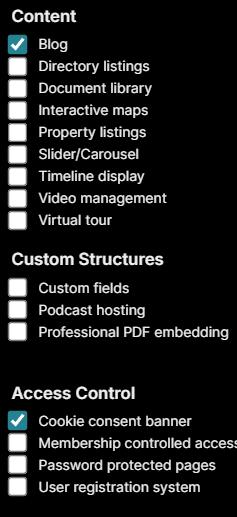
Your Estimated Monthly Hosting and Maintenance costs are:
Recommended Security Features
Recommended Performance Features
Recommended Hosting Features
Recommended Support Features
Recommended Maintenance Features
Recommended Reporting Features
Main Observations
Functionality Impact
Pre-Defined Packages
Starter
- Basic Hosting
- Daily Backup
- WordPress Updates
- Theme & Plugin Updates
- Monitoring
- Monthly report
- WordPress support
- No labour for changes
Basic managed WordPress service with basic hosting.
Business
- Premium Hosting
- Daily Backup
- WordPress Updates
- Theme & Plugin Updates
- Monitoring
- Staging environment
- Monthly report
- WordPress support
- 1 hour labour for changes
High performance platform for a business website with a bit of labour for site changes.
Enterprise
- Premium+ Hosting
- 12 Hourly backup
- WordPress Updates
- Theme & Plugin Updates
- Monitoring
- Staging environment
- Monthly report
- WordPress support
- 4 hours labour for changes
Top tier hosting and maintenance plan, with adequate labour for changes and upgrades.
Frequently asked questions
How long does it take to see SEO results?
SEO is a long-term strategy, not a quick fix. Most businesses start noticing meaningful improvements in rankings, traffic, and leads within 3–6 months, depending on competition and your site’s starting point. Consistency is the key to long-term growth.
What’s the difference between local SEO and regular SEO?
Regular SEO focuses on improving your visibility across search engines in general. Local SEO zooms in on attracting customers in your local area, helping you show up in Google Maps, “near me” searches, and local business listings.
Do I really need SEO if I’m already running ads?
Yes. Paid ads stop the moment you pause your budget. SEO builds a foundation of organic visibility that keeps bringing in traffic and leads over time. Many of our clients run both together for maximum impact.
How do you measure SEO success beyond just keyword rankings?
While rankings are important, they’re just one piece of the puzzle. We track performance across multiple metrics — including organic traffic quality, time on page, bounce rate, conversion rate, and search visibility over time. Our SEO strategies are built around business outcomes, so we also measure leads, sales, and ROI wherever possible. The goal isn’t just traffic — it’s meaningful growth.
What’s included in an SEO audit?
An audit is a deep dive into your site’s health. We review technical issues, keyword opportunities, content performance, backlinks, and competitors. You’ll get a clear roadmap of what’s holding your site back and exactly how to fix it.
How does AI search change SEO?
AI-powered search (like Google’s Search Generative Experience) prioritises trustworthy, high-quality, and user-focused content. This means SEO isn’t just about keywords anymore, it’s about Google search optimisation that answers intent while building authority and credibility.
How much does SEO cost?
Costs depend on your goals, industry, and level of competition. We offer flexible SEO marketing packages for SMEs, ecommerce businesses, and agencies. The best way to get an accurate estimate is to request a personalised quote.
What’s the difference between one-time SEO and ongoing SEO services?
One-time SEO (like an audit or initial setup) addresses foundational issues — site structure, technical fixes, and basic optimisation. But search engines and competitors don’t stand still. Ongoing SEO ensures your site adapts to algorithm changes, stays ahead of competitors, and continuously improves through fresh content, link building, and performance tracking. It’s the difference between a quick fix and a long-term growth strategy.
Tell us your goals and we will map the fastest path to a high-performing WordPress website.